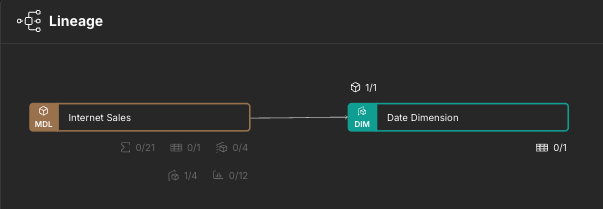
Lineage Panel
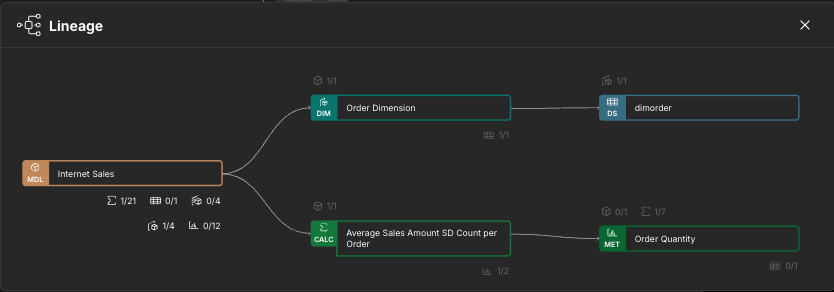
The Lineage panel provides a visual representation of how SML objects within the current repository are connected, enabling you to track dependencies and understand the impact of changes across models, dimensions, calculations, etc.
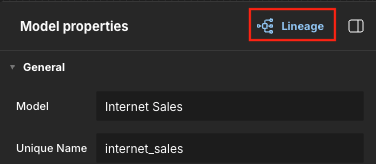
To open the Lineage panel, click Lineage at the top of any object properties panel.
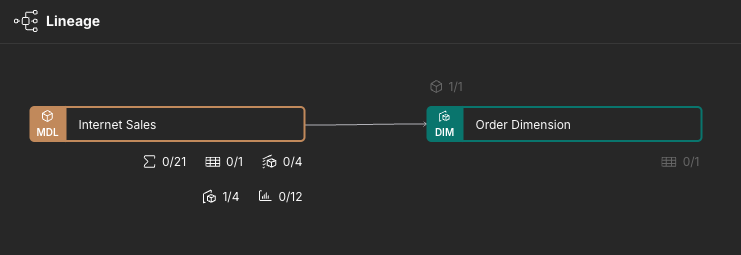
The panel appears, displaying only the current object. You can use the icons to the top left and bottom right of the object to add others to the panel. For example, to add a dimension included in the current model, click the dimension icon to the bottom right and select a dimension.
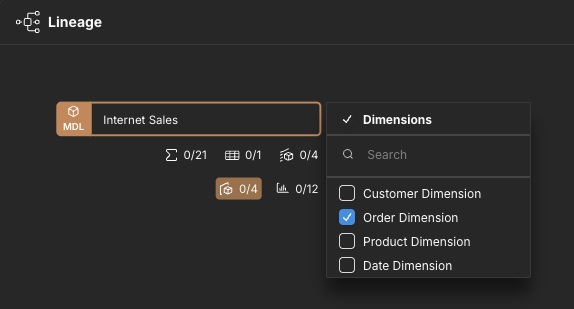
Click outside of the menu to close it. The selected dimension appears in the panel.
To add an object that includes the current object, click an icon to the top left and select the object.
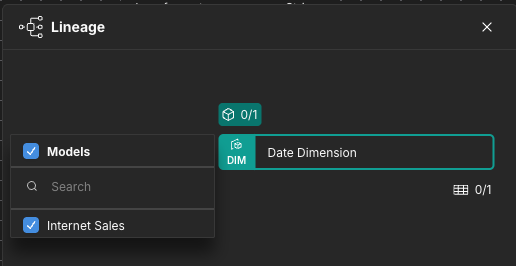
After closing the menu, the selected object appears in the panel.