Set Up a Git Repository for AtScale's Semantic Models Library
First, you must add a Git repository:
-
Log in to your GitHub account.
-
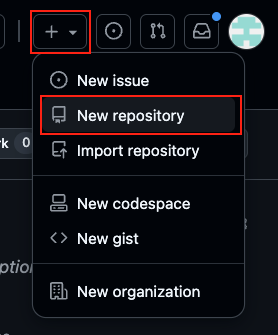
In the top-right corner of the page, click the Create new button and select New Repository.
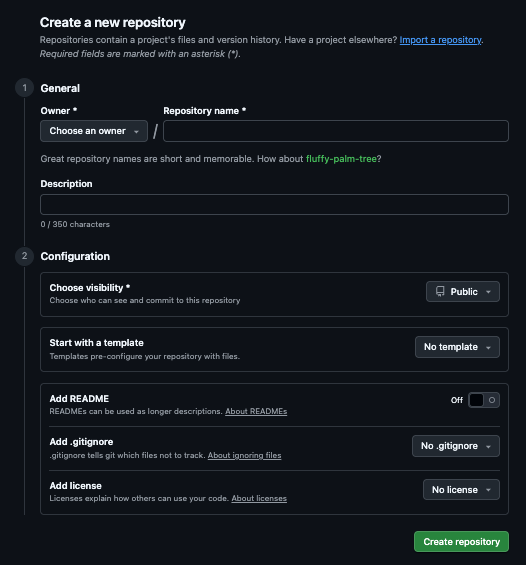
The Create new repository page opens.
-
Complete the following fields:
- Owner: Select an owner for the repository.
- Repository name: Enter a name for the repository.
- Add README: Enable the toggle.
-
Click Create repository.
-
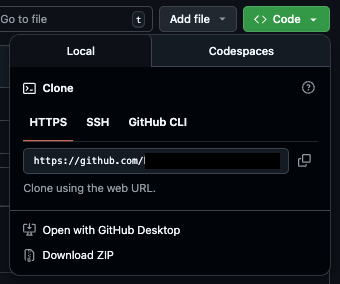
In your repository, click Code and copy the HTTPS URL.
Next, you should add your repository to AtScale.