Deploy the AtScale Tutorial Model
To explore and query the tutorial models in Design Center, you need to deploy your catalog.
To deploy a catalog:
-
In the left-side navigation, click Deploy. The Deploy panel opens.
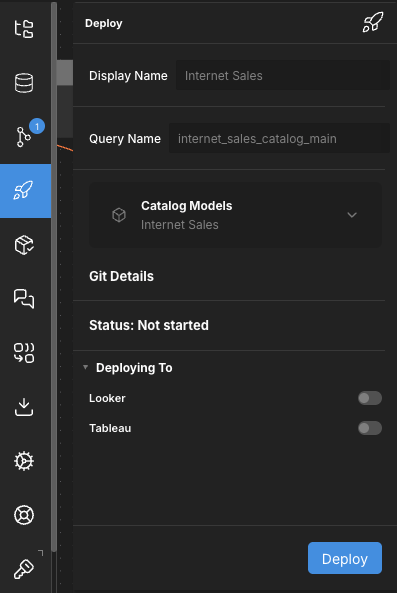
-
(Optional) Edit the Display Name and Query Name for the catalog.
-
Click Deploy.
The deployed catalog appears in the Deployed Catalogs panel.
Now, you can access the model's connection details.