Install AtScale Developer Edition
Once you have created a GitHub account and installed and configured Docker, you're ready to install AtScale Developer Edition.
For a video tutorial on installing AtScale Developer Edition, see the How to Install AtScale video.
Install AtScale Developer Edition
To install AtScale Developer Edition:
-
Ensure Docker is running on your computer.
-
Get the Developer Edition. Go to https://www.atscale.com/start/, complete the form, and click Download Now.
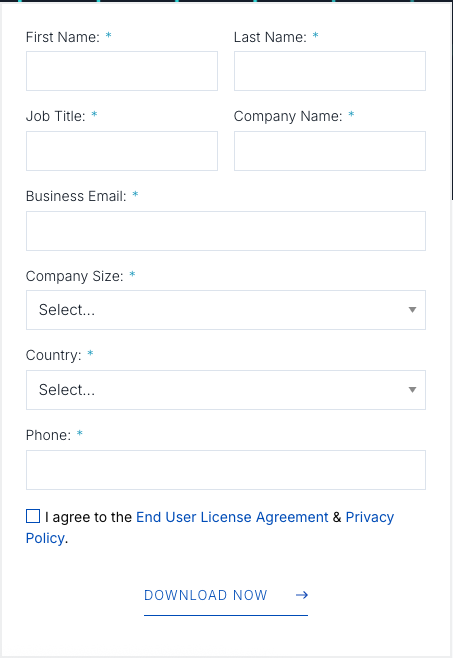
-
You will receive an email from AtScale containing the file
atscale-community-edition.zipand a license key. Download the.zipfile. -
Move the
.zipfile to your preferred install location and unzip it. -
Open a new Terminal window.
-
Navigate to the
compose/folder within the unzipped file:cd <path>/atscale-community-edition/compose -
Run the following command:
docker compose up -d -
Wait for the containers to come up successfully.
NoteIf you encounter any failures with the containers coming up, increase the resource allocations Docker. This is a common issue when your local machine competes with Docker’s resource settings.
-
In your browser, go to
http://localhost. The Design Center login screen opens.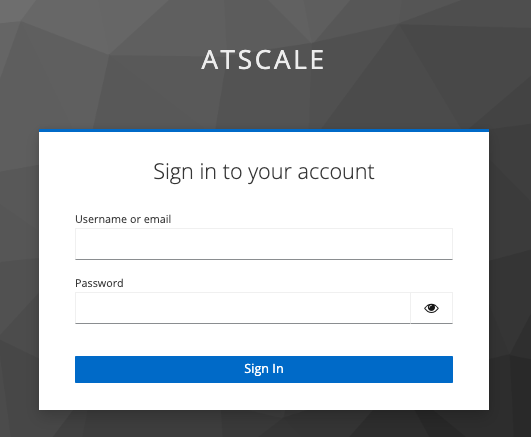
Now that you have AtScale Developer Edition installed and running, you can begin working with Design Center.